
Usage and subscription
The Usage and subscription page, in your profile menu, sums up what counts towards your
plan and what your workshop has done. It has three sections: Your plan, Activity and Riders.
Your plan
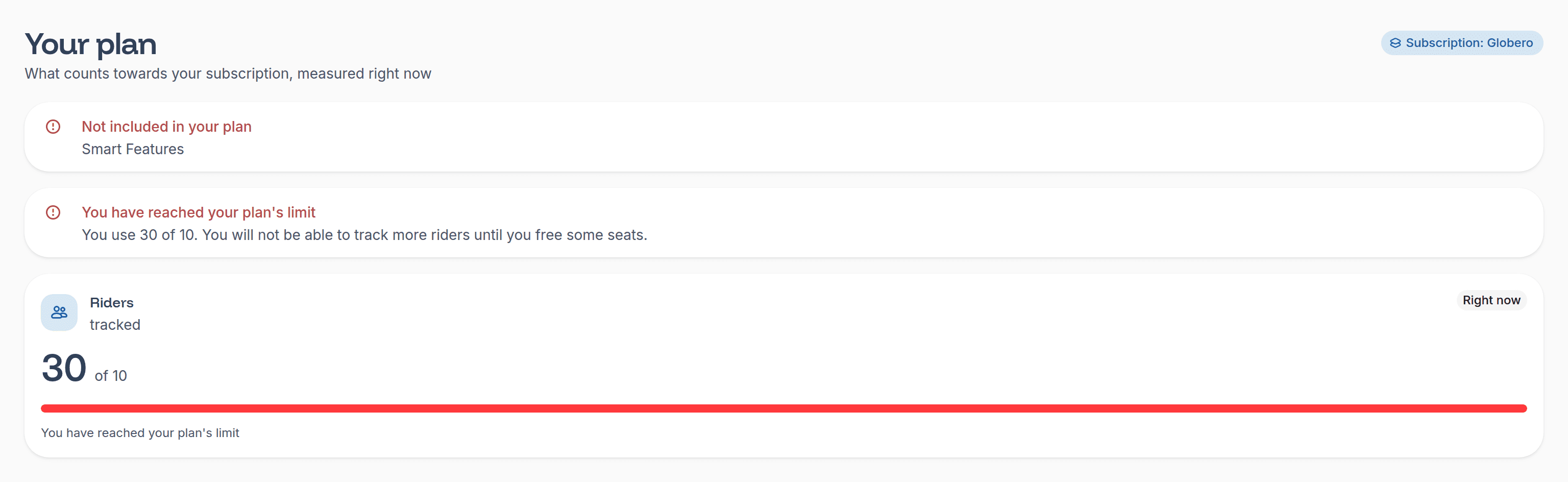
What counts towards your subscription, measured when you open the page. For now, it is the number of riders your workshop tracks:
- The riders registered with your workshop.
- Pending invitations, which already reserve a spot until the rider accepts or the invitation expires.
- The transfer requests you sent to riders of another workshop, until the rider answers or 30 days go by.
Your plan sits next to the heading, as Subscription: Globero. The card shows how many of its spots you use, and a warning at the top
warns you when few spots are left (You are close to your plan's limit) and when none is (You have reached your plan's limit). If your plan
doesn't include the smart features, you'll see it right there, in the Not included in your plan notice.
What each plan includes, and what you can still do once you reach its limit, is on the pricing page.
Activity
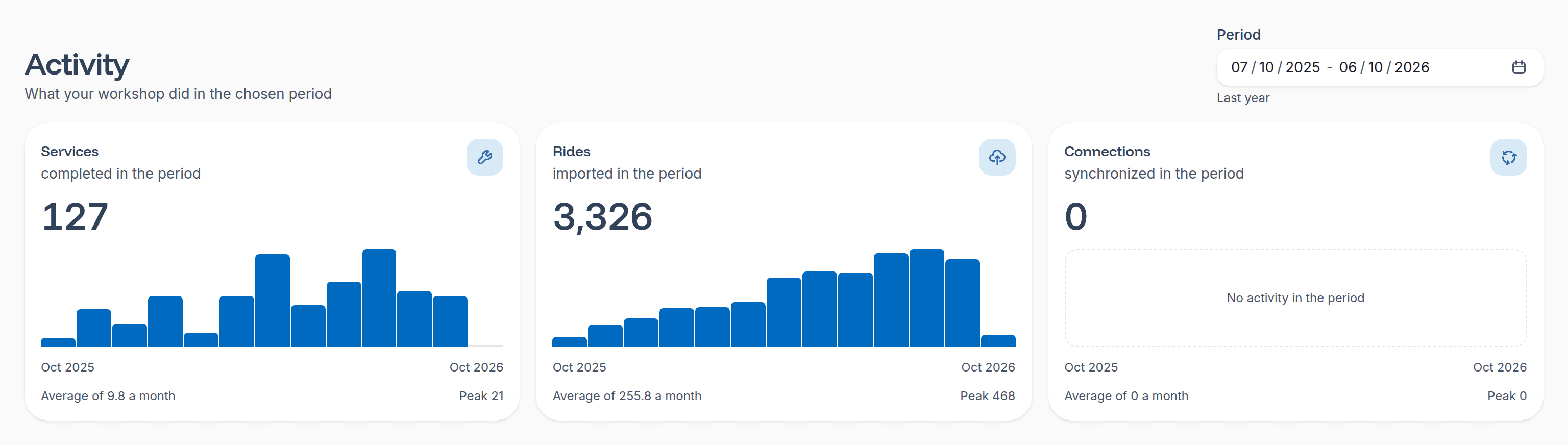
What your workshop has done in the period you choose in the Period picker: the last month, the last 3 months, this year, the last year
(the default period), all time, or the dates you pick in the calendar. Each metric has its own chart, with one point per month, its total,
the monthly average and the peak month:
- Services completed: the services your workshop registered. They count towards the workshop that performed them, even if the rider moved to another one later.
- Rides imported: the rides we imported from your riders' sports apps.
- Connections synchronized: the times we synchronized a rider's connection with their sports app.
Rides and synchronizations count towards the rider's workshop at the time they happen.
Riders
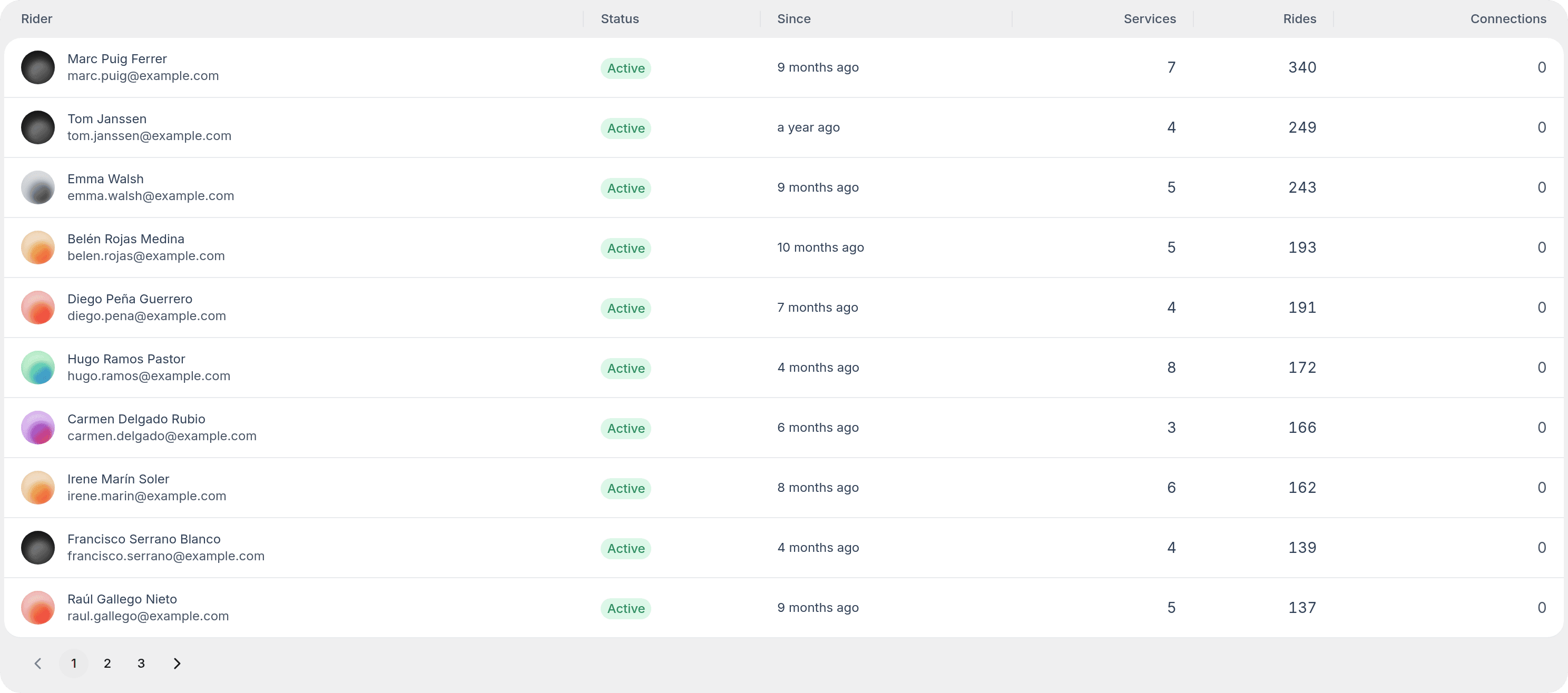
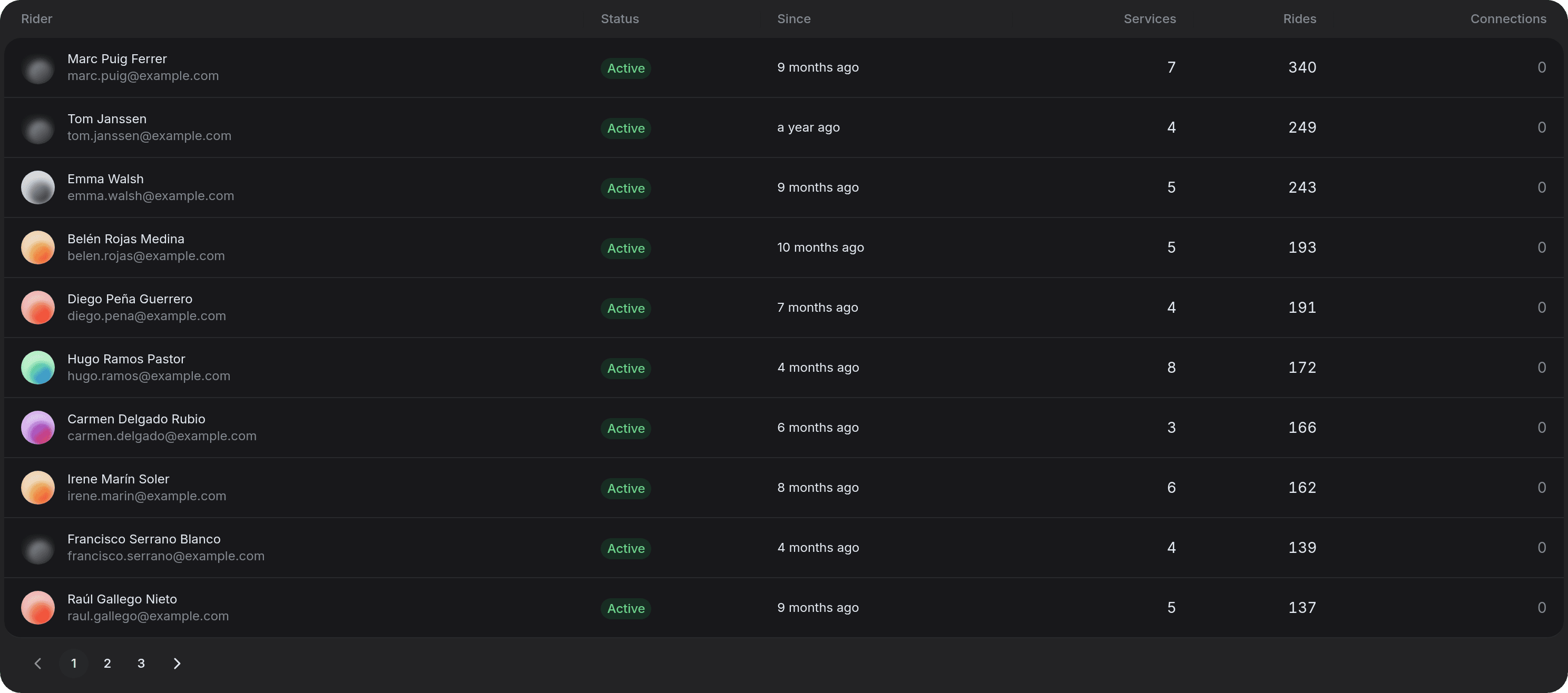
The riders that count towards your plan, with their Status (Active, Pending invitation or Pending transfer), since when they have
it, and their activity in the period chosen above: Services, Rides and Connections.
The most active ones come first: we order them by the sum of their imported rides, services and synchronizations in the period. Among those with the same activity, the newest come first. If you change the period, the order changes with it and the table goes back to the first page.
Riders from another workshop
Until a rider accepts switching to your workshop, you can't see their details: they show up as "Rider from another workshop".