
Add a service
A service is the record of a maintenance you performed on a bike: when it happened and what you did. Registering it resets the wear counter sincrona uses to decide when the bike needs your attention again.
Register the service
Open the bike
From your dashboard or from the Riders list, open the rider and click Details on the bike you worked on. You'll see its
accumulated wear and the table of services already registered.
Click "Record"
A dialog asks for:
- Service date and time: when the maintenance was actually carried out. It can be a past date.
- Notes: anything relevant, such as what you replaced or adjusted. Riders can read them.
- Attachments: photos, videos or documents of the work done (up to 25 MB per file). Add as many as you like.
Save
Click Save. The service appears in the bike's table with the distance and hours of use the bike had accumulated at that date.
Backdated services
The wear stored in a service is calculated from the rides recorded up to the date you enter, so it doesn't matter when you register it.
Maintenance alerts
A bike needs maintenance when it goes past your maintenance interval since its last service (or since the beginning, if it has none), in distance or in time depending on the metric you picked. Once you register a service that brings the bike back under the interval, any pending maintenance alert for it is dismissed.
Attachments
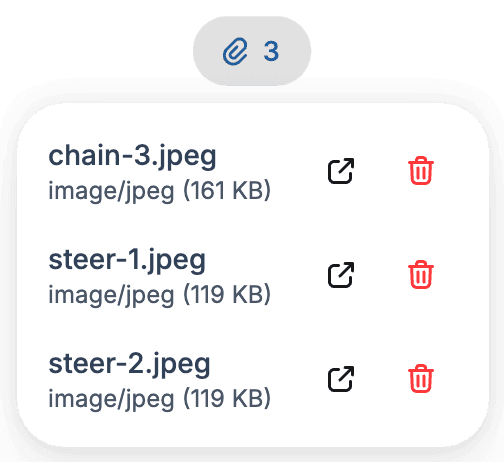
You can attach images, video, PDF, Word, Excel or plain text to a service, either when you register it or afterwards. Attachments already saved are listed on the service itself, where you can open, download or delete them.
The rider sees them too
The rider can open and download the attachments from their own service history, but can't delete them — only you can.
Communication with the rider
As soon as the service is saved, the rider is notified on their preferred channel (email or WhatsApp) that their bike is ready. The service also shows up in their own view of the bike. See Notifications.