Workshop preferences
Your profile page has a Workshop preferences section with three settings. They apply to every
bike you maintain, and you can change them whenever you like.
Wear metric
How we measure a bike's wear: by Distance covered or by Time spent riding. They're mutually exclusive, not combined, and you can
switch between them whenever you like — we recalculate the wear of every bike you maintain against the new metric.
Interval between services
What a bike can cover, in distance or in time depending on the metric you picked, before we flag it as due for maintenance. It's
measured from the bike's last registered service, or from the beginning if it has none. The default is 2,000 km under the Distance
metric, or 200 hours under Time, but only you know how your riders ride and what your criteria are.
When a bike goes past the interval you get a Maintenance needed notification, and the rider is warned on their own channel. If you change the interval, we recalculate what needs attention with the new figure.
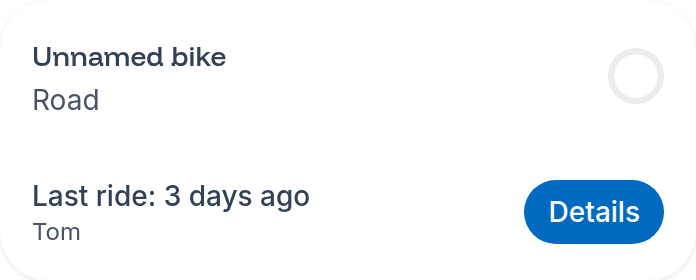
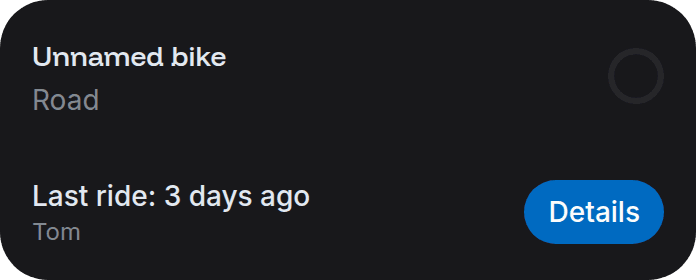
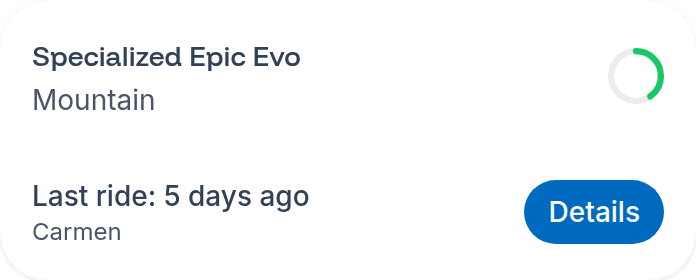
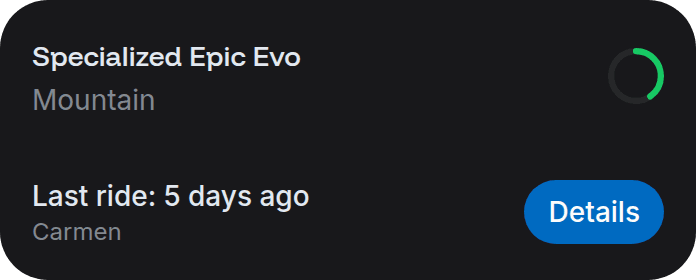
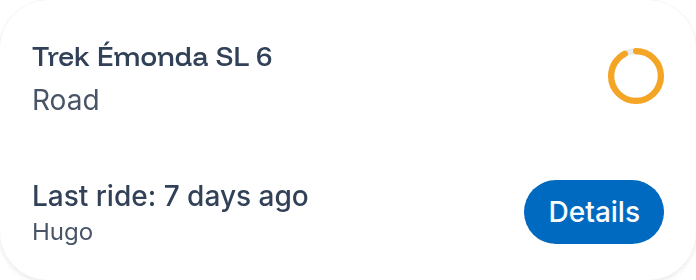
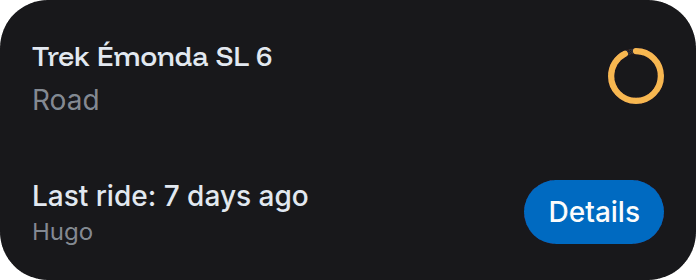
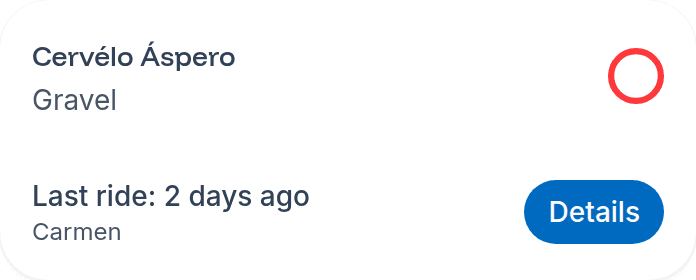
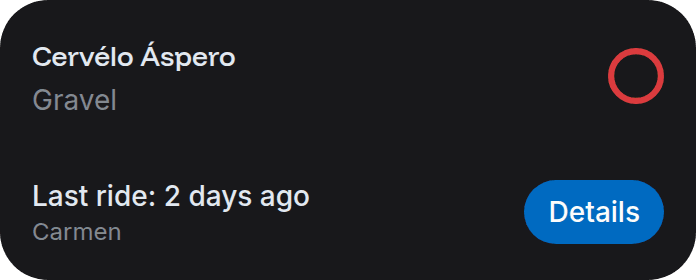
Besides the figure, every bike shows a circular indicator with its percentage of wear relative to your maintenance interval preferences, coloured by how close it is to needing attention: no wear, no maintenance soon, maintenance soon, or requires maintenance.
Track rides without an associated bike
Sports apps allow recording rides without choosing a bike. sincrona groups those rides in a default bike that every rider has. This switch decides whether your workshop cares about it:
- On (default): the default bike behaves like any other one, including its maintenance alerts.
- Off: the default bike no longer appears in your riders' bike lists or your dashboard, and it never triggers alerts, neither for you nor for the rider. It keeps accumulating rides, so turning the switch back on restores everything. If you open its detail page through a direct link, it still works.
The rider always sees it
This is your preference as a workshop. Riders keep seeing their default bike in their own account.
Language
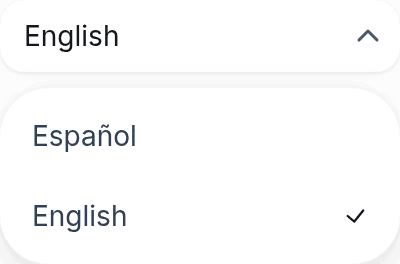
Your profile page also has a Language selector, next to the light/dark theme one. sincrona
detects your browser's language automatically, but you can pick Spanish or English yourself: the change applies straight away and is
stored in the browser you're using.